Five Home Assistant Helpers to Enhance Your Smart Home Setup
Home Assistant users may not be fully utilizing the platform's capabilities. Five specific helpers—Group, Dropdown, History Stats, Utility Meter, and Template—can significantly enhance automation and monitoring. These tools allow for more efficient management of devices and better insights into home energy usage and conditions.

Key takeaways
30-second read- 1The Group helper simplifies monitoring multiple sensors, making it easier for users to ensure all windows are closed before leaving home, enhancing security.
- 2The Dropdown helper allows users to set specific modes for their smart home, reducing the risk of conflicting settings, which can lead to automation errors.
- 3The Utility Meter and History Stats helpers provide detailed insights into energy and water consumption, helping users make informed decisions about their usage and potentially lowering bills.
Confirmed
No official source linked yet
Reported
Secondary reporting: How-To Geek Smart Home
Verify yourself
Eligibility, local prices and dates for your car, state or utility
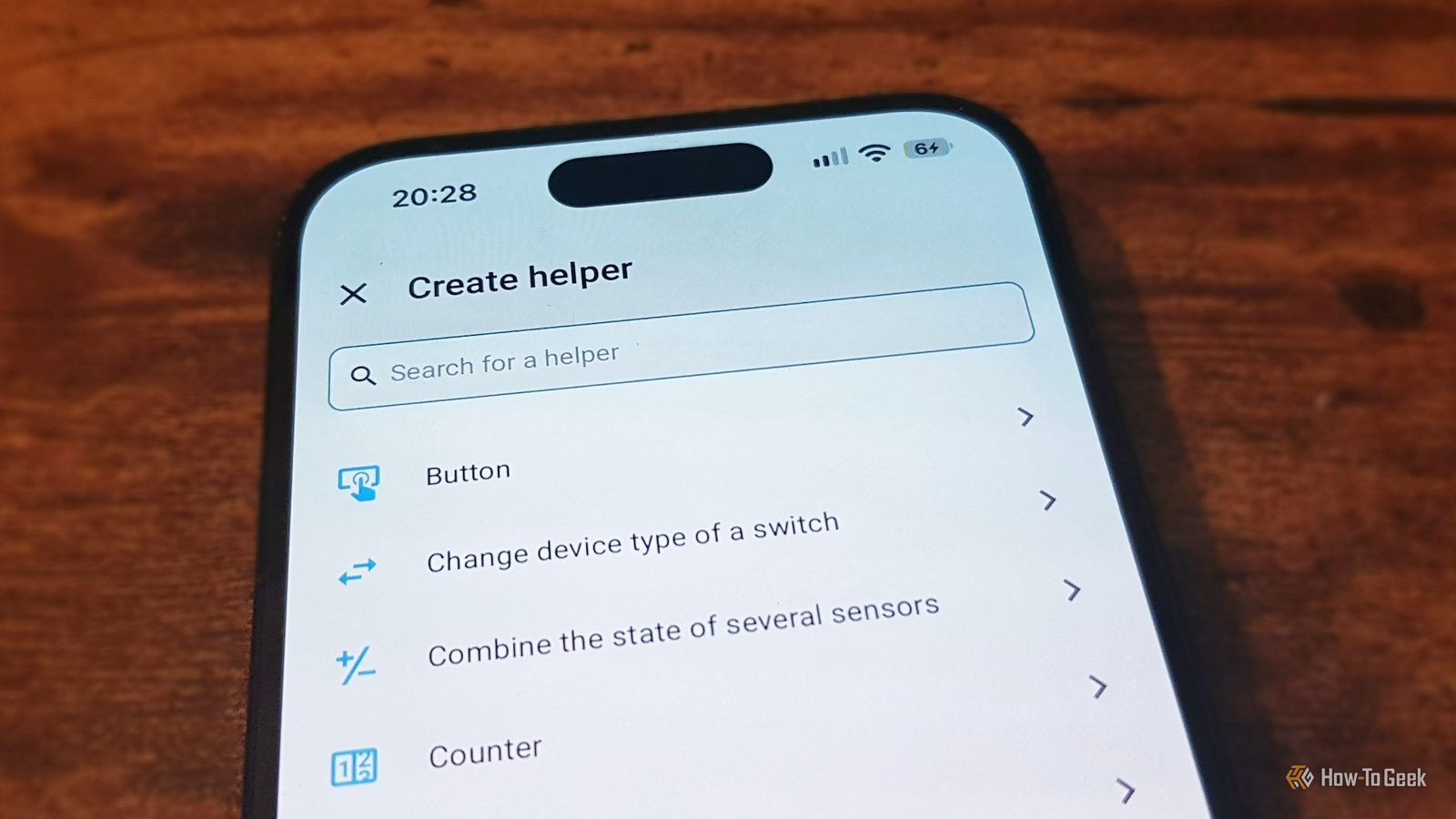
Home Assistant is a powerful platform for managing smart home devices, but many users may not be taking full advantage of its features. Among these are several helpers that can streamline operations and provide valuable insights into home automation. Here are five helpers that can enhance your Home Assistant experience.
What happened
The article from How-To Geek outlines five useful Home Assistant helpers that users might not be utilizing. These include the Group helper, Dropdown helper, History Stats helper, Utility Meter helper, and Template helper. Each of these tools offers unique functionalities that can improve device management and monitoring within a smart home setup.
Why it matters
- Group Helper: This tool allows users to monitor multiple sensors as a single entity. For example, if you have several window sensors, the Group helper can indicate if any window is open, simplifying security checks before leaving home.
- Dropdown Helper: This helper enables users to set specific modes for their smart home, such as Home, Away, or Vacation. This prevents conflicting settings that could arise from using multiple toggles, ensuring smoother automation.
- Utility Meter and History Stats Helpers: These helpers track energy and water consumption over defined periods. By using the Utility Meter, users can see how much energy a specific device consumes compared to total household usage, aiding in energy management and cost reduction.
Context and caveats
While these helpers can greatly enhance the functionality of Home Assistant, users should be aware of some limitations. For instance, the History Stats helper is dependent on how much historical data your Home Assistant setup retains. If the Recorder is set for only a short duration, tracking long-term usage will be impossible. Additionally, the Utility Meter requires accumulated totals from sensors, which may necessitate additional setup.
What to watch next
As Home Assistant continues to evolve, users should keep an eye on updates that could introduce new helpers or enhance existing ones. Experimenting with these helpers can lead to more efficient home automation setups. Users should also consider integrating energy monitoring devices, such as smart plugs, to fully leverage the Utility Meter helper's capabilities.
In summary, by implementing these five helpers, Home Assistant users can improve their smart home experience, making it not only more efficient but also more secure and insightful.
Sources
1 media- [1]5 more Home Assistant helpers you're not using (but should be)Media
How-To Geek Smart Home · howtogeek.com · published Nov 17
Newsletter
Your weekly smart home signal. No spam.
Comments
Log in with
Loading comments…