Google TV Developer Options to Improve Performance
A recent article outlines four hidden developer options on Google TV that can significantly enhance performance and responsiveness. These tweaks include adjusting animation scales, enabling USB debugging, limiting background processes, and allowing apps on external storage. Implementing these changes can help users manage their smart TVs more effectively and enjoy a smoother experience.

Key takeaways
30-second read- 1Users can enhance the performance of their Google TV quickly without needing to upgrade hardware.
- 2These tweaks can help manage limited internal storage more effectively, allowing for more apps to be installed and used seamlessly.
- 3Improving responsiveness can lead to a more enjoyable viewing experience, reducing frustration with sluggish interfaces.
Confirmed
No official source linked yet
Reported
Secondary reporting: How-To Geek Smart Home
Verify yourself
Eligibility, local prices and dates for your car, state or utility
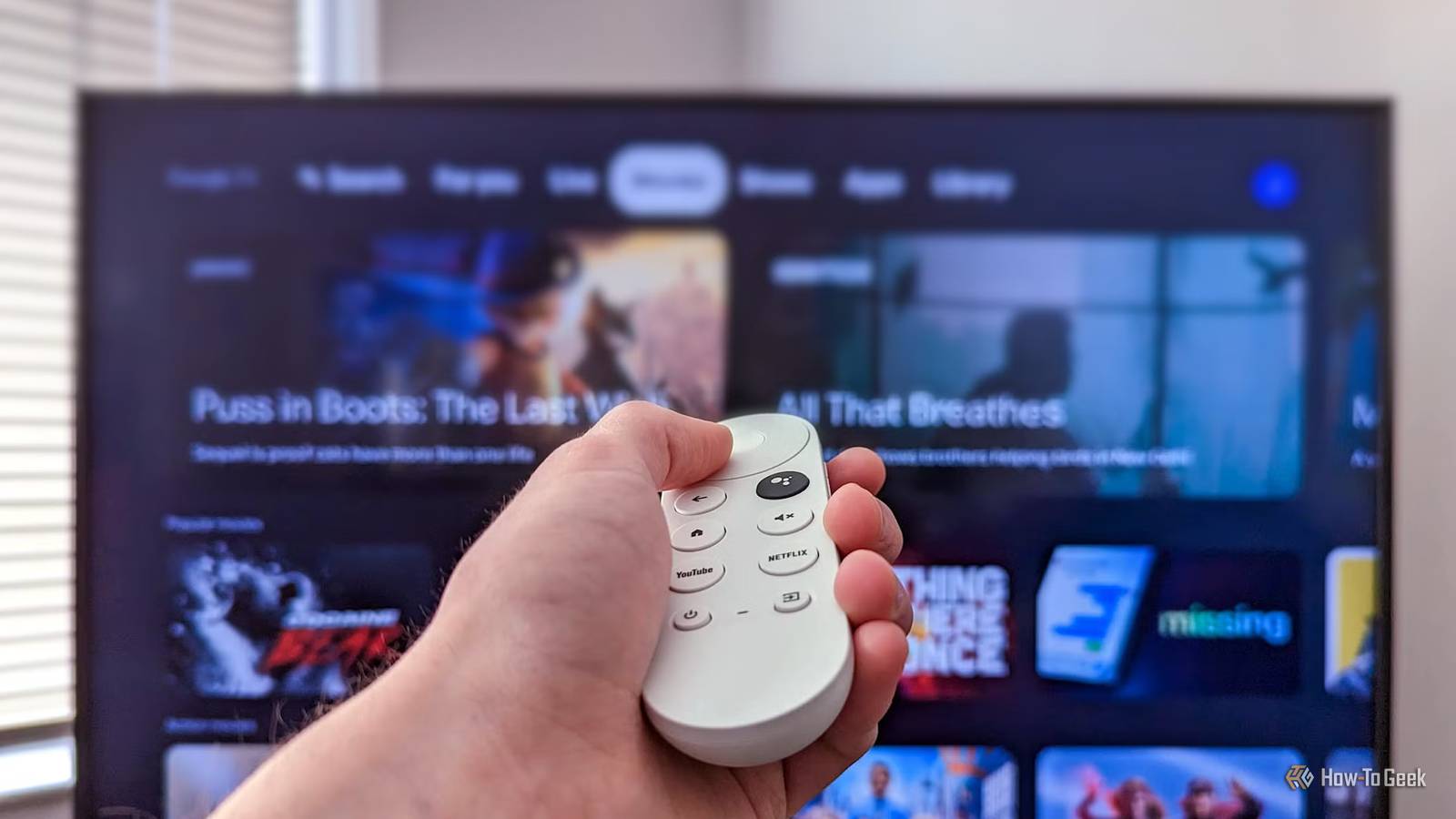
Unlocking the full potential of your Google TV can be achieved through some hidden developer options that enhance performance and responsiveness. These tweaks are particularly useful for users experiencing sluggishness in their smart TVs, which can occur due to limited RAM and internal storage. By making a few adjustments, you can significantly improve your viewing experience without the need for new hardware.
What happened
The article from How-To Geek highlights four developer options that can help optimize Google TV performance. These options include reducing animation scales, enabling USB debugging, limiting background processes, and allowing apps to be installed on external storage. Each of these settings can be adjusted to make your Google TV feel faster and more efficient.
Why it matters
- Enhanced Performance: Users can quickly improve their Google TV's responsiveness by adjusting the animation scales from 1x to 0.5x, making transitions faster and smoother.
- Better Storage Management: By allowing apps to be installed on external storage, users can free up internal space, which is crucial for those with limited storage on their devices.
- Improved Usability: Enabling USB debugging allows users to manage their TV more effectively from their smartphones, making tasks like sideloading apps and managing files much easier.
Context and caveats
These developer options are not commonly known and require users to unlock them by navigating to the settings menu and selecting the appropriate options. While these tweaks can enhance performance, they may not resolve all issues related to sluggishness, especially if the hardware itself is outdated. Additionally, some apps may not function properly when moved to external storage, as not all applications support this feature.
What to watch next
Users should consider experimenting with these developer options to find the best combination for their needs. Monitoring performance after making these changes can help determine which tweaks are most effective. As smart TVs continue to evolve, keeping an eye on new features and updates from manufacturers like Sony could provide further enhancements to user experience.
Sources
1 media- [1]4 hidden Google TV developer options that fix a sluggish TV in minutesMedia
How-To Geek Smart Home · howtogeek.com · published Nov 8
Newsletter
Your weekly smart home signal. No spam.
Comments
Log in with
Loading comments…