Home Assistant's Spook Integration Introduces Time in State Helper
Home Assistant has introduced a new helper called Time in State, part of the Spook integration, which addresses issues with tracking the timing of entity states. Unlike the existing last_changed and last_updated properties, the Time in State helper retains accurate timestamps even after Home Assistant restarts or devices go offline temporarily. This enhancement is particularly beneficial for automations that rely on precise timing, ensuring they function correctly despite interruptions.

Key takeaways
30-second read- 1Smart home users can rely on more accurate timing for automations, reducing the risk of issues caused by device restarts or temporary disconnections.
- 2The Time in State helper can improve the reliability of automations that depend on knowing how long a device has been in a certain state, such as window sensors for humidity control.
- 3Home Assistant users can enhance their system's capabilities with the Spook integration, which offers additional tools and features for better home automation management.
Confirmed
No official source linked yet
Reported
Secondary reporting: How-To Geek Smart Home
Verify yourself
Eligibility, local prices and dates for your car, state or utility
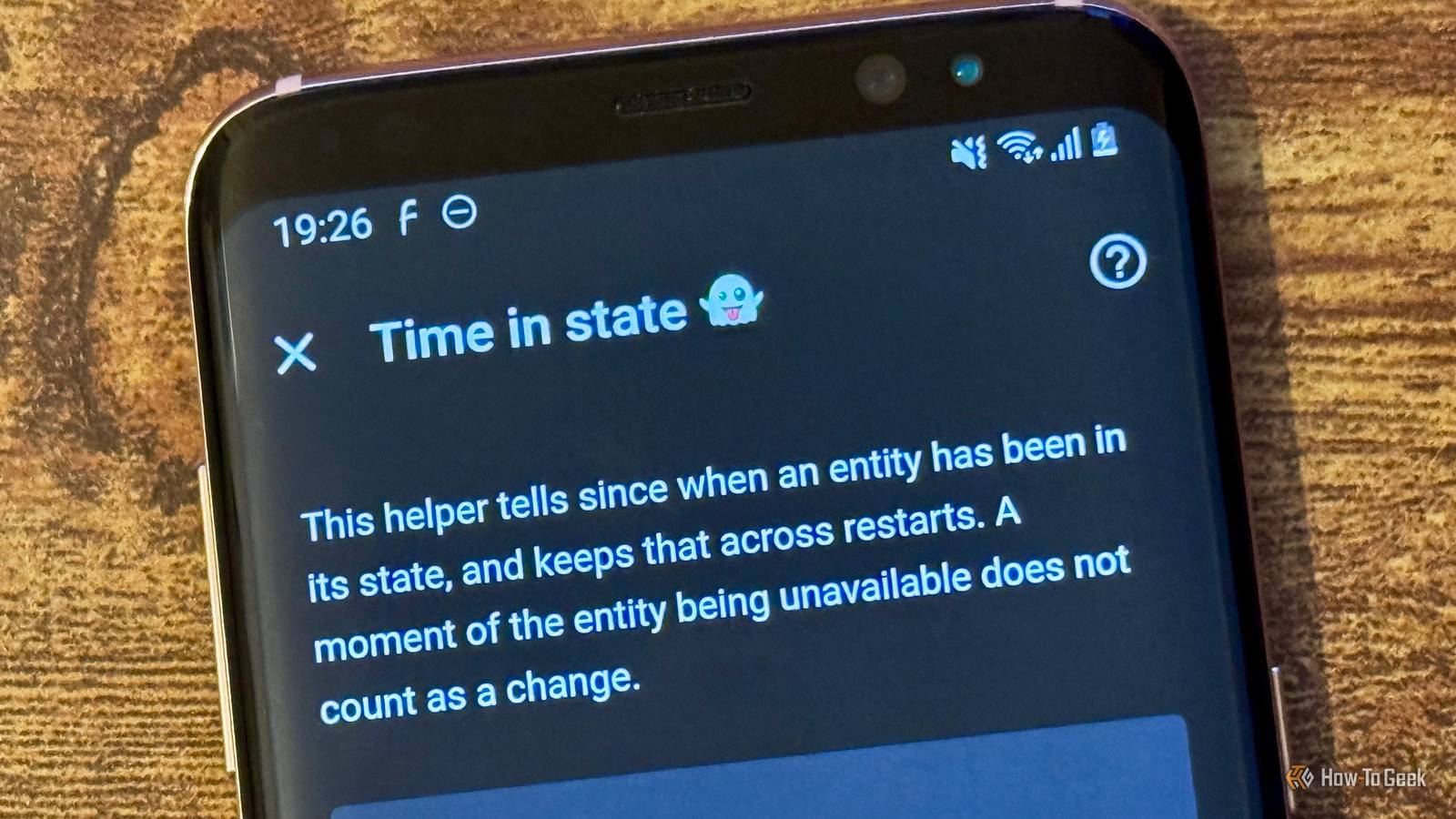
Home Assistant has introduced a new helper called Time in State, part of the Spook integration, which addresses issues with tracking the timing of entity states. Unlike the existing last_changed and last_updated properties, the Time in State helper retains accurate timestamps even after Home Assistant restarts or devices go offline temporarily. This enhancement is particularly beneficial for automations that rely on precise timing, ensuring they function correctly despite interruptions.
What happened
Home Assistant has long faced challenges with accurately tracking the timing of state changes for smart home devices. The last_changed and last_updated properties can reset to the time of a restart or when a device becomes available again, leading to unreliable automation triggers. The newly introduced Time in State helper, part of the Spook integration, addresses this issue by maintaining the timestamp of when an entity entered its current state, regardless of restarts or temporary unavailability.
Why it matters
The introduction of the Time in State helper is significant for several reasons:
- Improved Automation Reliability: Smart home users can rely on more accurate timing for automations, reducing the risk of issues caused by device restarts or temporary disconnections. This is particularly important for automations that depend on timing, such as those controlling windows based on humidity levels.
- Enhanced Features with Spook: The Spook integration not only includes the Time in State helper but also offers other useful tools, making it a valuable addition for Home Assistant users looking to optimize their smart home setups.
- Better User Experience: By providing a more stable and reliable way to track state changes, users can enjoy a smoother experience with their smart home devices, leading to increased satisfaction and potentially more widespread adoption of Home Assistant.
Context and caveats
While the Time in State helper significantly improves the reliability of state tracking, it does have limitations. It cannot account for state changes that occur while Home Assistant or a device is offline. For instance, if a window is closed while the sensor is offline, the helper will not register this change. However, it does provide an observed attribute that indicates whether the helper detected the state change, which can help users understand the accuracy of the timestamp.
What to watch next
As Home Assistant continues to evolve, users should keep an eye on further developments in the Spook integration and other enhancements that may improve automation capabilities. Additionally, exploring other helpers offered by Spook could provide further benefits for managing smart home devices effectively. Users are encouraged to experiment with the Time in State helper to see how it can enhance their specific automations and overall smart home experience.
Sources
1 media- [1]This Home Assistant helper fixed one of my smart home's most annoying problemsMedia
How-To Geek Smart Home · howtogeek.com · published Nov 25
Newsletter
Your weekly smart home signal. No spam.
Comments
Log in with
Loading comments…