LG TVs Gain Apple TV Doorbell Feature Functionality
An article from How-To Geek discusses how an LG TV can be enhanced with a feature typically found on Apple TV, allowing users to see who is at their door directly on their television screen. This functionality transforms the TV from a passive entertainment device into an active part of home security. The integration of this feature is particularly beneficial for smart home users looking to streamline their connected devices.

Key takeaways
30-second read- 1Enhances the functionality of existing LG TVs, making them more useful for smart home security.
- 2Provides an alternative for users who may not want to invest in a dedicated smart display for doorbell notifications.
- 3Encourages users to consider compatibility and integration when purchasing smart home devices.
Confirmed
No official source linked yet
Reported
Secondary reporting: How-To Geek Smart Home
Verify yourself
Eligibility, local prices and dates for your car, state or utility
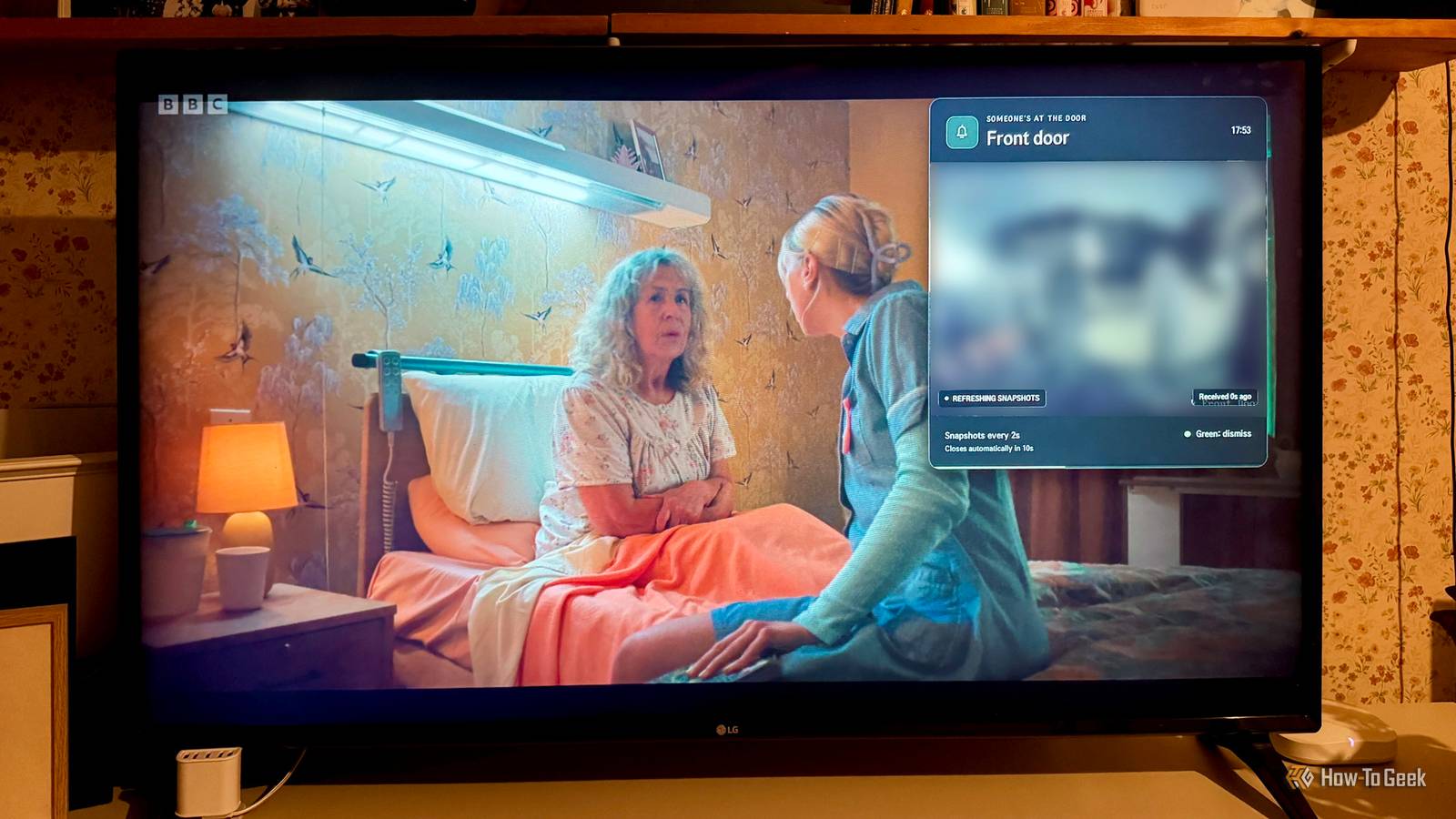
In a recent article from How-To Geek, the author explores how to enable a feature on LG TVs that allows users to receive notifications from their doorbell camera, similar to the functionality found on Apple TV. This integration not only enhances the utility of LG TVs but also represents a growing trend in the smart home ecosystem where devices are becoming more interconnected.
Understanding the Feature
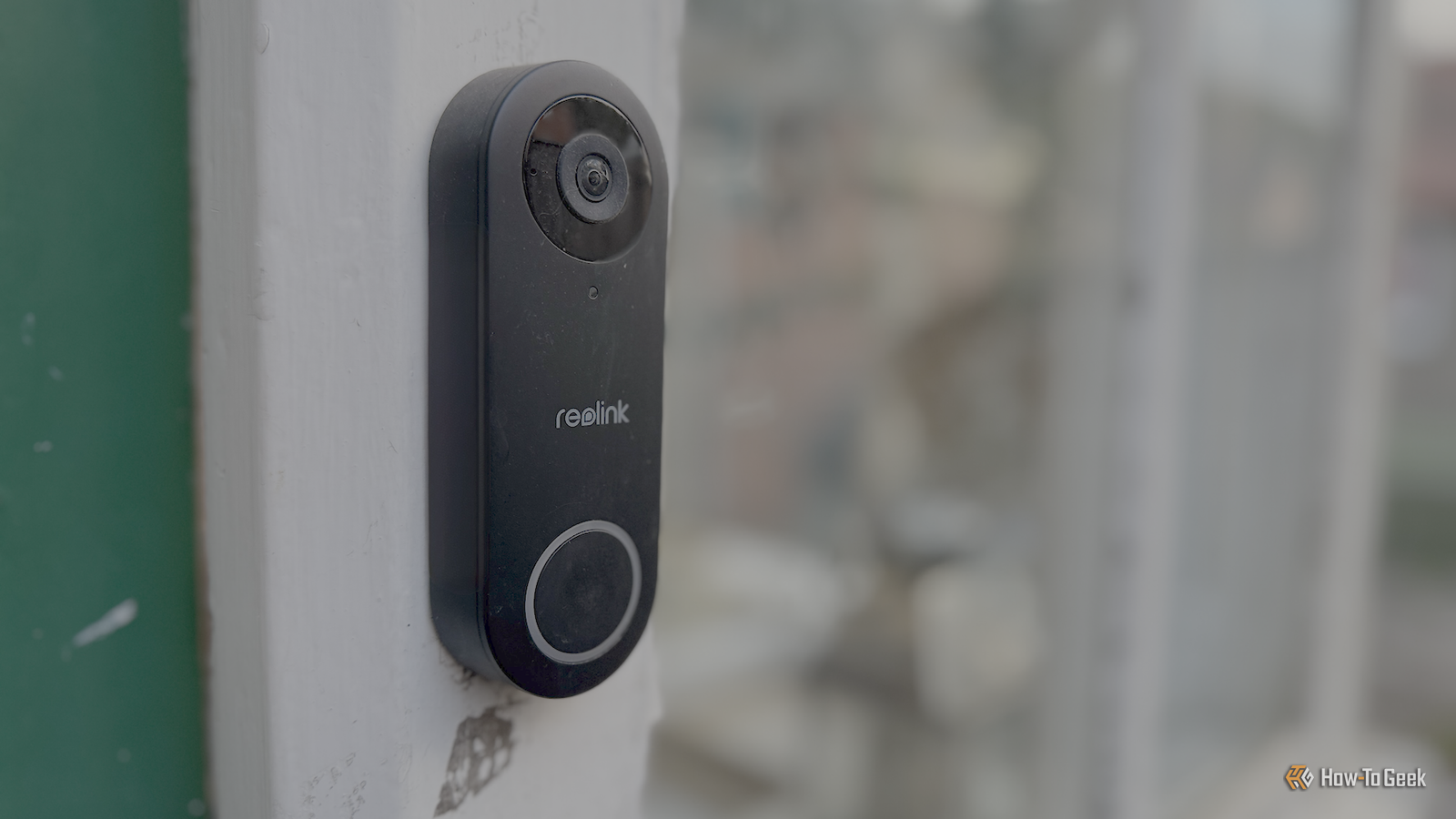
The Apple TV doorbell feature allows users to view live feeds from their doorbell cameras directly on their television screens. This is particularly useful for homeowners who want to keep an eye on their front door without needing to check their smartphones or dedicated smart displays. The article highlights how LG TV users can replicate this feature, effectively turning their television into a smart home hub for security monitoring.
How to Enable the Feature
While the article does not provide exhaustive technical details, it suggests that users can access this feature by integrating their smart doorbell with the LG TV through compatible apps or settings. The process may involve linking the doorbell camera to the TV's smart platform, allowing for seamless notifications and live video feeds. This integration can significantly enhance the user experience, making it easier to monitor home security from a central location.
Implications for Smart Home Owners
For those already invested in the smart home ecosystem, this feature is a welcome addition. It reduces the need for multiple devices and apps, streamlining the user experience. Homeowners can enjoy the convenience of checking their doorbell camera without needing to switch devices, which can be particularly beneficial during busy times or when entertaining guests.
Moreover, this feature highlights the importance of compatibility among smart home devices. As more manufacturers adopt similar functionalities, consumers will need to consider how well their devices work together when making purchasing decisions. The ability to integrate various devices into a cohesive system can enhance the overall smart home experience.
Privacy Considerations
As with any smart home technology, privacy is a critical concern. Users should ensure that their doorbell cameras and TVs are secure and that they are aware of how their data is being used. The article does not delve deeply into privacy implications, but it is essential for users to regularly update their devices and be mindful of their security settings.
Conclusion
The ability to view doorbell camera feeds on LG TVs represents a significant advancement in smart home technology. It not only enhances the functionality of existing devices but also encourages users to think critically about how they integrate their smart home systems. As technology continues to evolve, features like these will likely become standard, making homes smarter and more secure.
Sources
1 media- [1]I gave my LG TV the Apple TV doorbell feature it was missingMedia
How-To Geek Smart Home · howtogeek.com · published Nov 3
Newsletter
Your weekly smart home signal. No spam.
Comments
Log in with
Loading comments…