Three DIY Home Assistant Dashboard Projects for the Weekend
This weekend, Home Assistant enthusiasts can explore three DIY projects to create small, functional dashboards using affordable touchscreen and e-paper displays. These projects aim to enhance smart home control without relying on traditional wall-mounted tablets, which can be inconvenient. The suggested setups include using Cheap Yellow Displays, the Sonoff NSPanel, and e-paper displays to provide accessible smart home interfaces throughout the home.
Key takeaways
30-second read- 1These projects allow users to create customized smart home dashboards at a low cost, making smart home technology more accessible.
- 2The ability to place dashboards in convenient locations enhances usability, allowing for easier control of smart devices without needing to be in front of a wall-mounted screen.
- 3Using e-paper displays reduces screen glare and energy consumption, providing a more subtle way to monitor smart home data.
Confirmed
No official source linked yet
Reported
Secondary reporting: How-To Geek Smart Home
Verify yourself
Eligibility, local prices and dates for your car, state or utility

This weekend, Home Assistant enthusiasts can explore three DIY projects to create small, functional dashboards using affordable touchscreen and e-paper displays. These projects aim to enhance smart home control without relying on traditional wall-mounted tablets, which can be inconvenient. The suggested setups include using Cheap Yellow Displays, the Sonoff NSPanel, and e-paper displays to provide accessible smart home interfaces throughout the home.
Build Touchscreen Dashboards
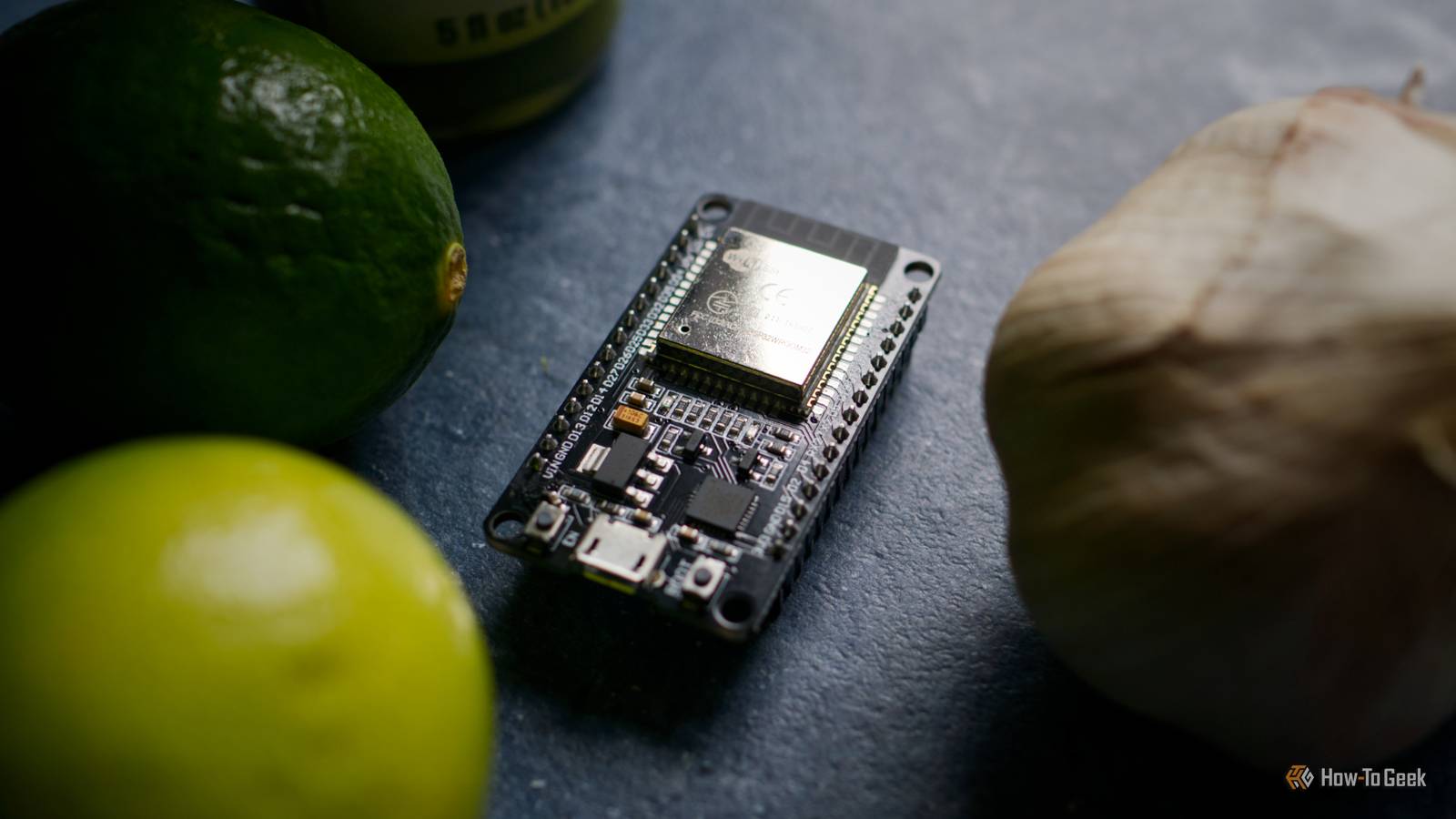
One of the primary projects involves using inexpensive touchscreen panels, such as the Cheap Yellow Display (CYD), which costs around $15. These small displays can be connected to Home Assistant using firmware like ESPHome. However, they require some coding to set up the dashboard layout. To simplify this process, the Tessera Screen Manager app offers a visual editor, allowing users to create dashboards without extensive coding knowledge. While the CYD has limitations, larger models like the 4-inch Guition and 7-inch Waveshare displays can show more features, including images and live data.
Smart Switch with Touchscreen Functionality
Another option is the Sonoff NSPanel, a smart light switch that incorporates a touchscreen. This device allows users to control lights both physically and remotely, integrating seamlessly with Home Assistant. By flashing the NSPanel with custom software like NSPanel-Easy, users can enhance its functionality, allowing for direct control of smart home devices from the switch itself. This project does involve electrical work, so it's advisable to consult a qualified electrician for installation.
E-Paper Displays for Subtle Monitoring
For those looking to avoid bright screens, setting up e-paper dashboards is an excellent alternative. These displays, such as the 4.2-inch Waveshare e-paper display, can show essential information like weather, temperature, and sensor states without the need for a backlight. The ESP32Display project provides a way to connect these displays to Home Assistant, and users can even 3D print enclosures to house their e-paper panels. While they require a constant power source, e-paper displays offer a unique way to monitor smart home data without adding to screen fatigue.
Overall, these projects demonstrate that Home Assistant dashboards can be both functional and aesthetically pleasing, allowing for greater flexibility in how users interact with their smart home technology.
Sources
1 media- [1]3 Home Assistant projects to build tiny dashboards this weekend (Nov 13–15)Media
How-To Geek Smart Home · howtogeek.com · published Nov 12
Newsletter
Your weekly smart home signal. No spam.
Comments
Log in with
Loading comments…