Tracking Battery Levels in Home Assistant Devices Made Easy
Home Assistant users can now effectively monitor the battery levels of their devices using a combination of built-in features and custom integrations. By utilizing the Battery Notes integration and creating a dedicated dashboard, users can keep track of battery levels and receive alerts when they are running low. This makes managing battery-powered devices more efficient and less cumbersome.

Key takeaways
30-second read- 1Home Assistant users can prevent device failures by actively monitoring battery levels, ensuring that essential devices remain operational.
- 2The Battery Notes integration simplifies the process of identifying battery types and levels, allowing users to stock the correct batteries in advance.
- 3Automated alerts for low battery levels help users stay informed without needing to constantly check their devices, enhancing convenience.
Confirmed
No official source linked yet
Reported
Secondary reporting: How-To Geek Smart Home
Verify yourself
Eligibility, local prices and dates for your car, state or utility
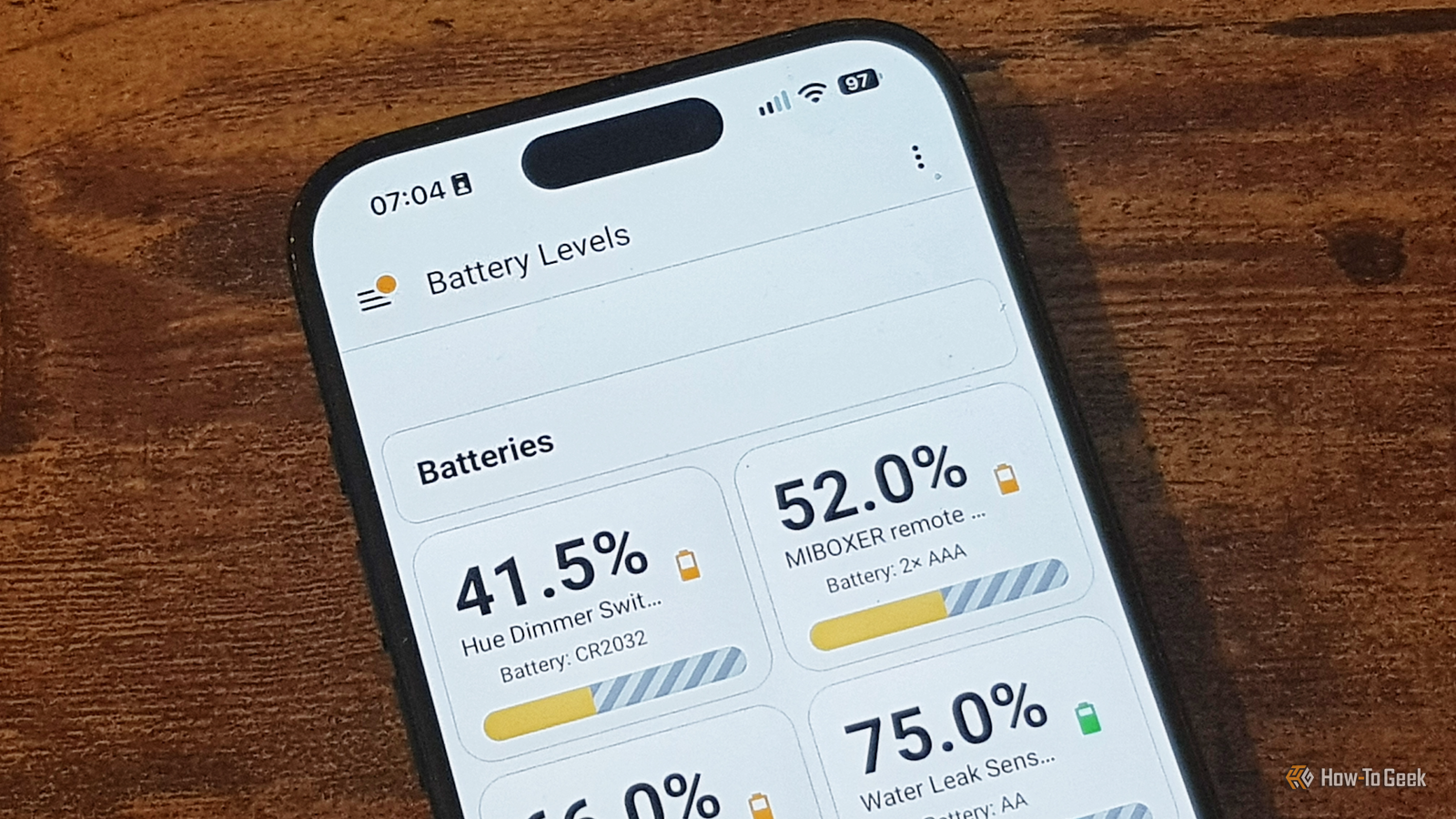
Home Assistant users can now effectively monitor the battery levels of their devices using a combination of built-in features and custom integrations. By utilizing the Battery Notes integration and creating a dedicated dashboard, users can keep track of battery levels and receive alerts when they are running low. This makes managing battery-powered devices more efficient and less cumbersome.
What happened
Home Assistant has introduced a way for users to track battery levels of their devices, which is particularly useful for those with multiple battery-powered devices in their smart homes. Users can find all battery-powered devices by searching for "battery" in the Entities section of Home Assistant. This search will reveal all devices that expose a battery entity, making it easier to keep tabs on battery levels.
To enhance this functionality, the Battery Notes integration can be added via HACS or the Marketplace. This integration not only tracks battery levels but also provides information about the type of batteries used by each device. Users can set up Battery Notes to automatically discover battery-powered devices, allowing for better management of battery replacements.
Why it matters
- Prevent Device Failures: Home Assistant users can prevent device failures by actively monitoring battery levels, ensuring that essential devices remain operational.
- Simplified Battery Management: The Battery Notes integration simplifies the process of identifying battery types and levels, allowing users to stock the correct batteries in advance.
- Automated Alerts: Automated alerts for low battery levels help users stay informed without needing to constantly check their devices, enhancing convenience.
Context and caveats
While Home Assistant provides tools to monitor battery levels, users must still take the initiative to set up the necessary integrations and dashboards. The Battery Notes integration requires installation and configuration, which may be a barrier for some users. Additionally, the low battery detection automation does not account for devices that become unavailable due to completely dead batteries, necessitating additional automation for comprehensive monitoring.
What to watch next
As smart home technology continues to evolve, it will be interesting to see how Home Assistant and other platforms improve battery management features. Users may want to keep an eye on future updates that could enhance integration capabilities or introduce new automation options. Additionally, exploring other integrations that complement battery monitoring could further streamline smart home management.
Sources
1 media- [1]How to track battery levels in Home Assistant devicesMedia
How-To Geek Smart Home · howtogeek.com · published Nov 10
Newsletter
Your weekly smart home signal. No spam.
Comments
Log in with
Loading comments…