Home Assistant Dashboard Customization Enhances User Experience
A user shares their experience of transforming their Home Assistant dashboard from a cluttered interface to a dynamic, context-aware tool. By implementing features that change based on time of day and location, the dashboard now provides relevant controls and information, improving usability significantly.

Key takeaways
30-second read- 1Smart home users can benefit from a customizable dashboard that adapts to their daily routines, enhancing convenience and efficiency.
- 2The ability to tailor controls based on time and location can help users manage their smart home devices more effectively, reducing frustration with cluttered interfaces.
- 3This approach may inspire other Home Assistant users to rethink their dashboard setups, leading to more personalized and functional smart home experiences.
Confirmed
No official source linked yet
Reported
Secondary reporting: How-To Geek Smart Home
Verify yourself
Eligibility, local prices and dates for your car, state or utility
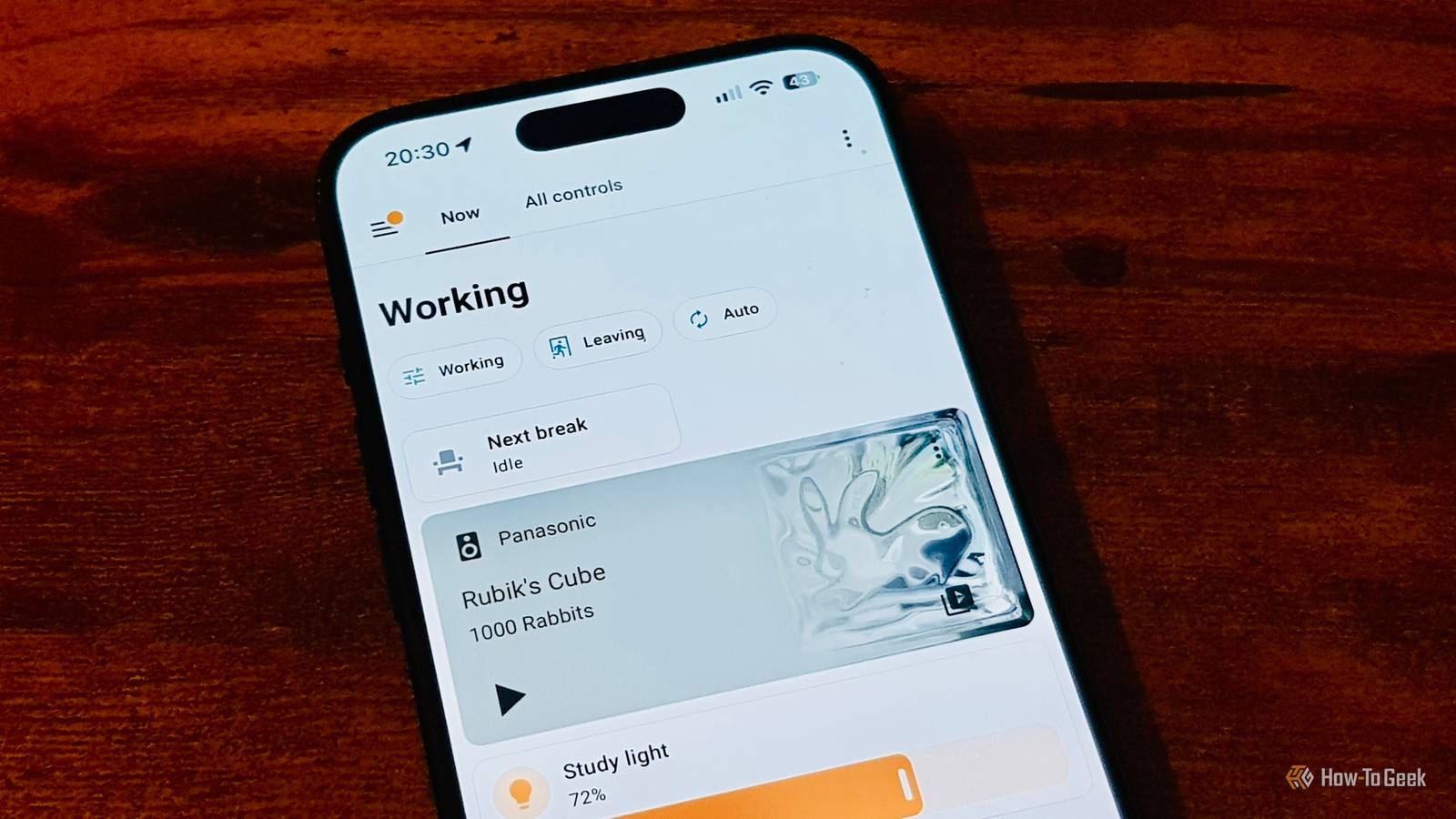
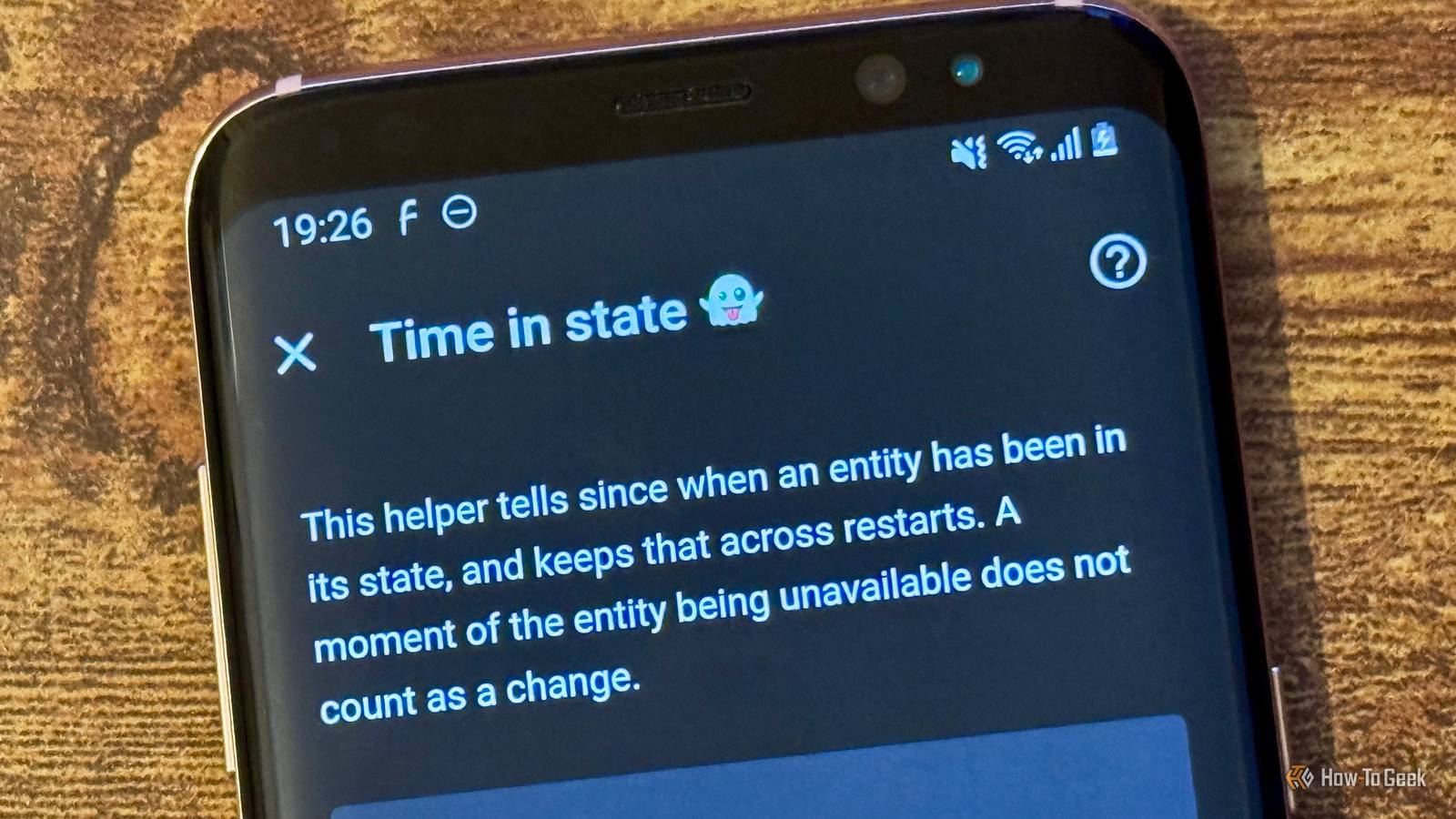
A user recently shared their journey in optimizing their Home Assistant dashboard, transforming it from a chaotic interface into a streamlined, context-aware tool. This change has made the dashboard significantly more useful and user-friendly, demonstrating the potential for smart home technology to enhance daily living.
What happened
The user initially struggled with a cluttered Home Assistant dashboard that automatically added every new device, resulting in a confusing interface filled with buttons, charts, and video feeds. This made it difficult to find necessary controls quickly. After experimenting with a minimalistic approach, which also proved inadequate, the user discovered the key to an effective dashboard: adaptability. They created a dashboard that changes based on time of day and location, ensuring that relevant controls are always accessible.
Why it matters
- Enhanced Usability: Users can now have a dashboard that adapts to their needs throughout the day, making it easier to control devices without sifting through unnecessary information.
- Contextual Controls: By incorporating features that respond to time and location, users can manage their smart home devices more intuitively, improving overall satisfaction with their smart home setup.
- Inspiration for Customization: This experience may encourage other Home Assistant users to rethink their dashboard designs, leading to more personalized and efficient smart home experiences.
Context and caveats
The user’s approach involved setting up different sections on the dashboard that display based on specific criteria, such as time of day and presence sensors. For instance, the morning dashboard shows weather updates and lunch details, while the evening view focuses on lighting and entertainment controls. This level of customization may require some technical knowledge of Home Assistant’s capabilities, which could be a barrier for less experienced users.
What to watch next
As smart home technology continues to evolve, the trend towards personalized and adaptive interfaces is likely to grow. Users may see more tools and resources that facilitate similar customizations in their smart home systems. Additionally, future updates to Home Assistant could introduce new features that further enhance dashboard functionality and user experience. For those interested in optimizing their smart home setup, exploring Home Assistant's customization options could be a worthwhile endeavor.
Sources
1 media- [1]I finally took control of my Home Assistant dashboardMedia
How-To Geek Smart Home · howtogeek.com · published Nov 11
Newsletter
Your weekly smart home signal. No spam.
Comments
Log in with
Loading comments…